01
Mark where you are
Standing somewhere you want to find again? Save your current GPS location in seconds.
 PlacePoint
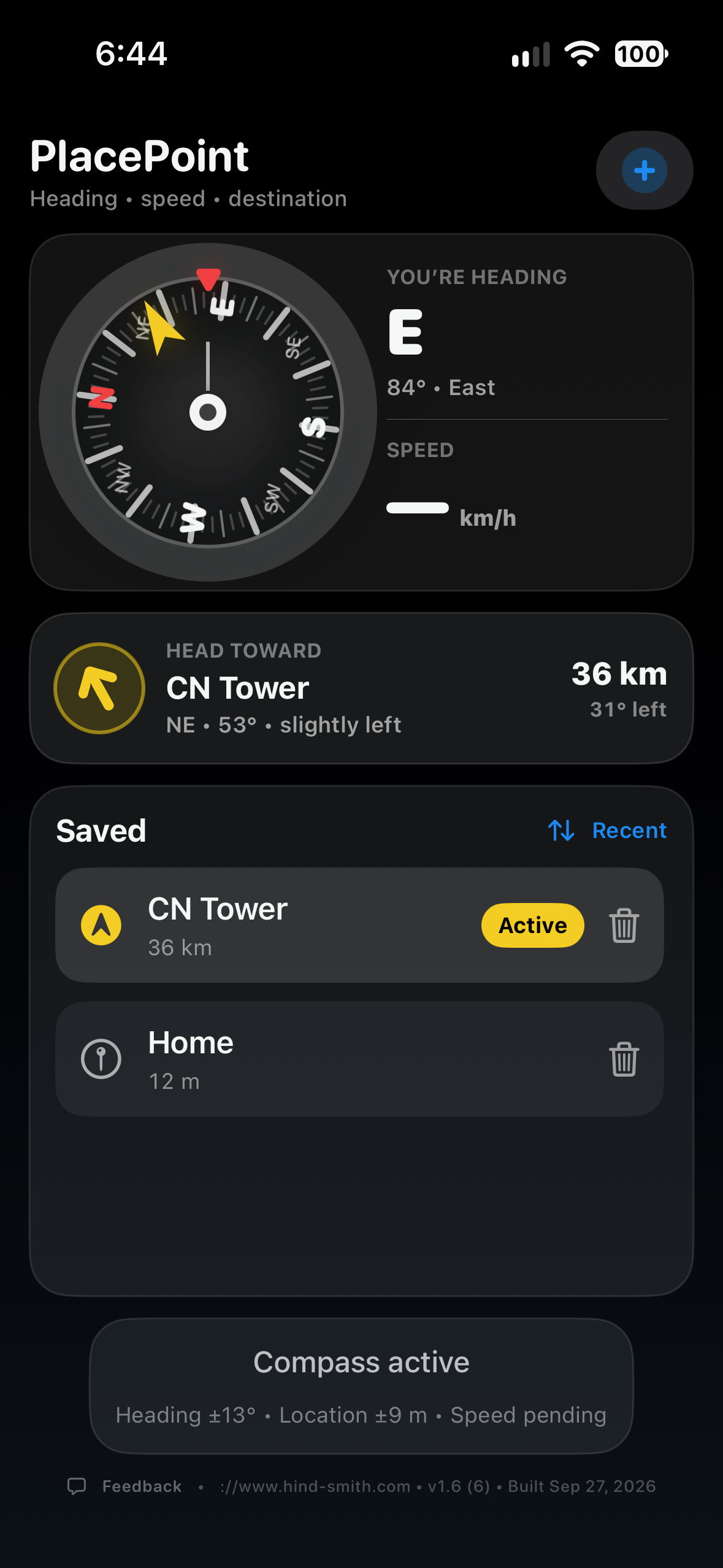
 remembers the places that matter, then gives you one clear answer: which way should I walk?
For the pub you want to find later. • The museum on tomorrow’s itinerary. • The camera hidden deep in the woods.
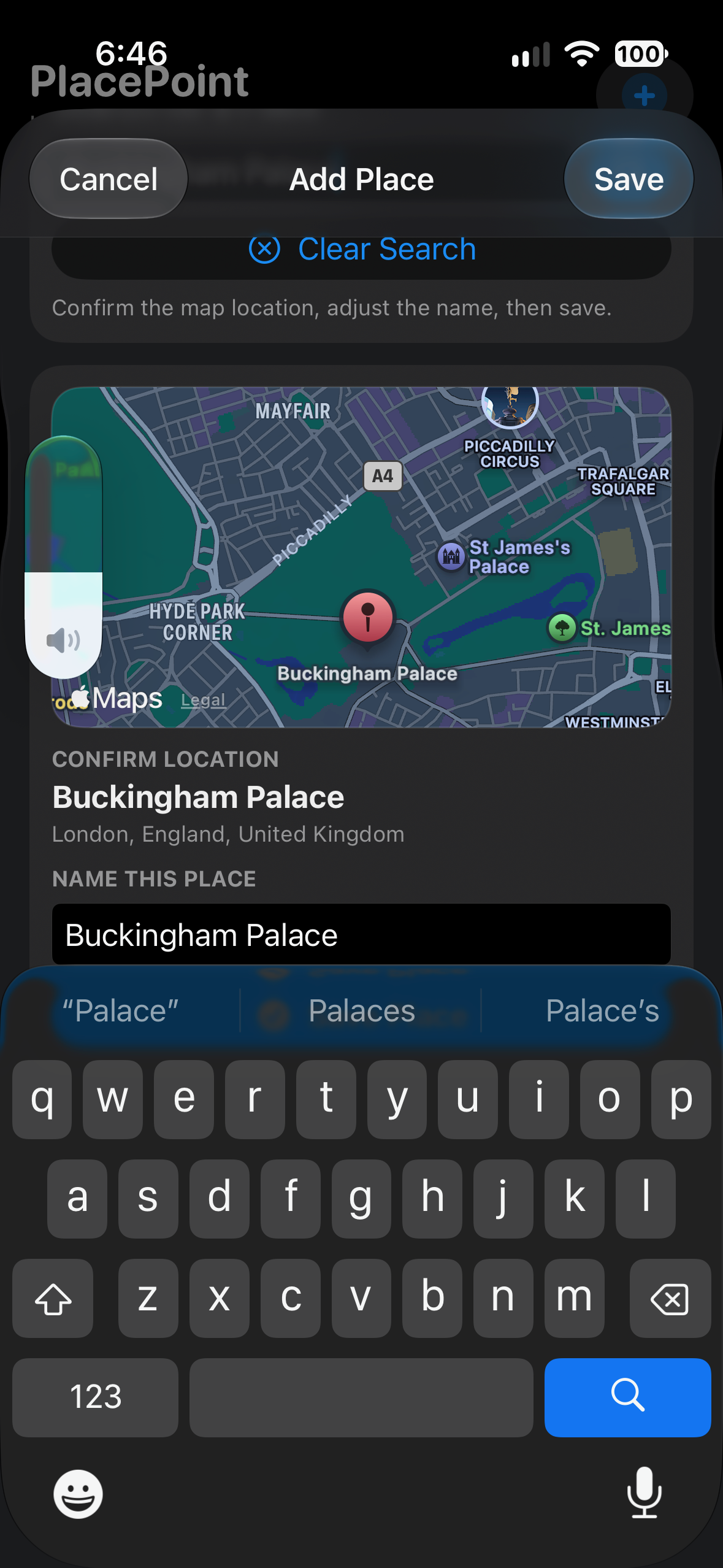
Save where you are, search for somewhere you’re going, or choose an exact point on the map.
Standing somewhere you want to find again? Save your current GPS location in seconds.
Plan tomorrow before you leave. Search for a hotel, landmark, pub or destination and save it.
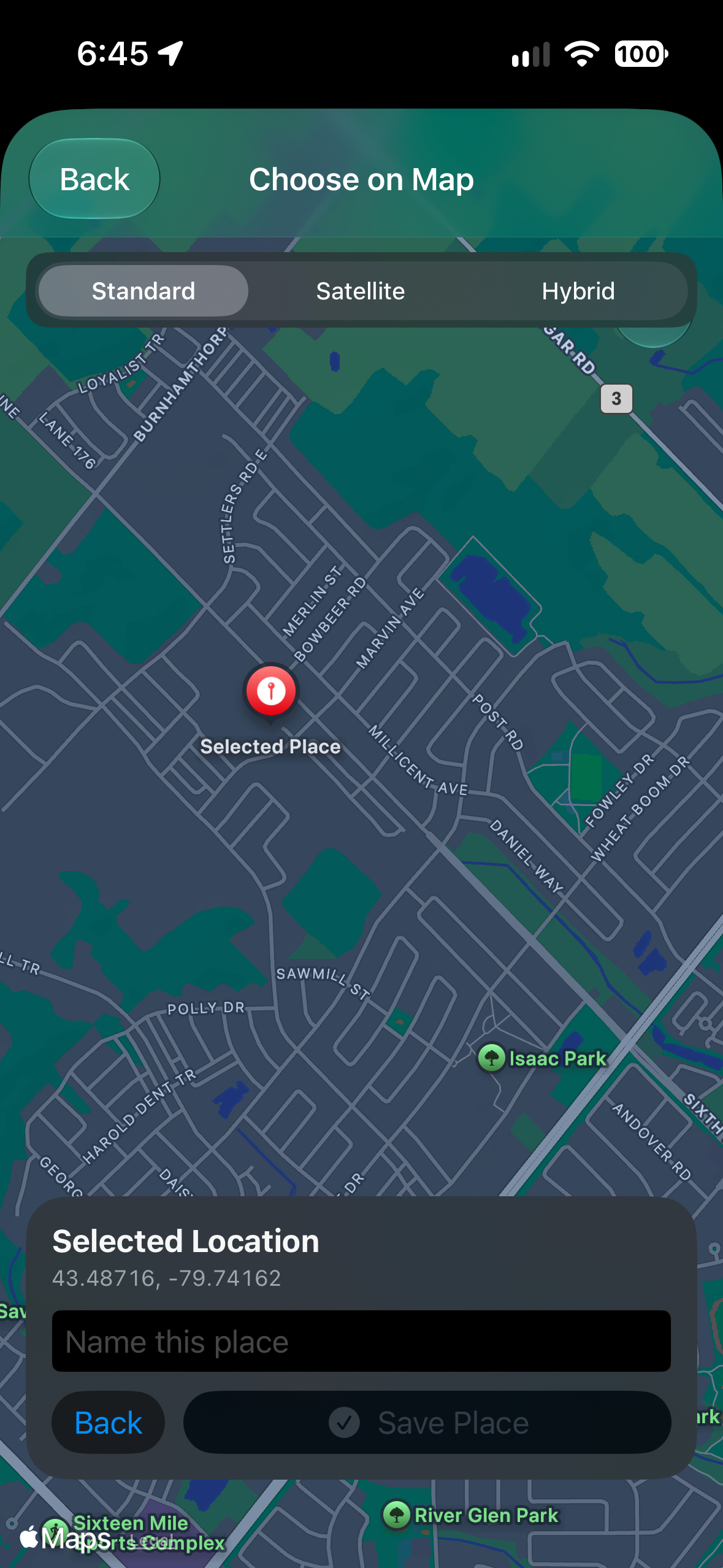
Pan, zoom and tap the exact spot — ideal when there isn’t a useful street address.
PlacePoint’s compass shows both. As you turn, the compass moves naturally and the yellow destination marker tells you where your saved place is.
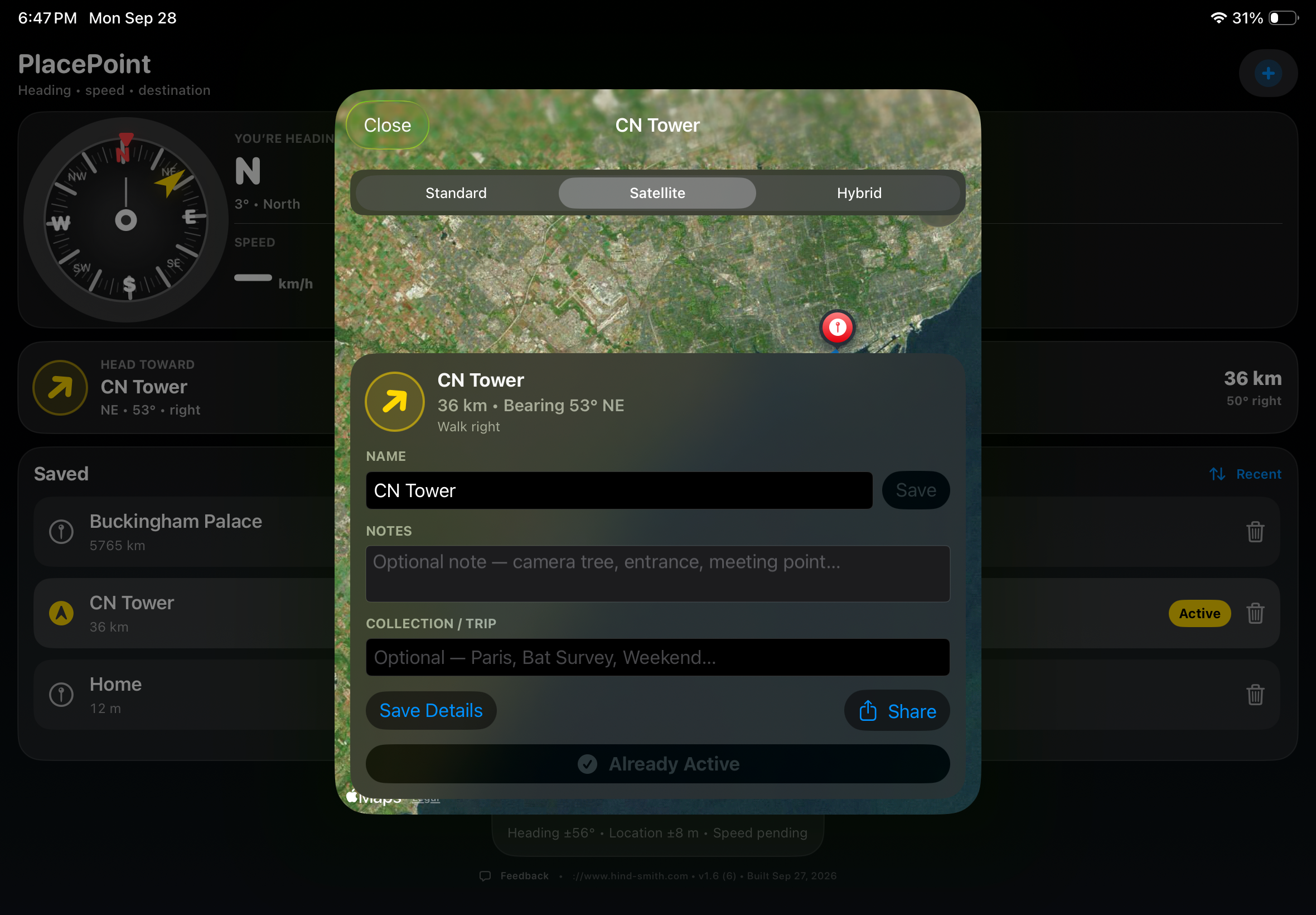
Switch map styles when choosing or reviewing a PlacePoint. Satellite imagery is especially useful for parks, trails, fields and locations that don’t fit neatly on a street map.
Save places on one device and keep them available across your devices. Your active destination stays specific to the device you’re using.
Group destinations for a vacation, a weekend, a survey site or whatever makes sense to you.
Add context such as “camera on large maple,” “side entrance,” or anything you’ll need when you return.
Send a saved location to someone else using the standard share sheet.
Sort saved places by nearest, name or most recent — useful when your list starts to grow.
Save your starting point before you wander, then let PlacePoint guide you back later.
PlacePoint is just as comfortable in a forest as it is on a city street. Ecologists and field teams can mark wildlife cameras, bat houses, survey points, equipment or other locations that need to be found again later.
No road required. Save the coordinates, add a useful note, and let the compass point the way back.
North edge of clearing
Strapped to large maple
Use the larger iPad screen to organize destinations and inspect maps, then take your iPhone when it’s time to explore.
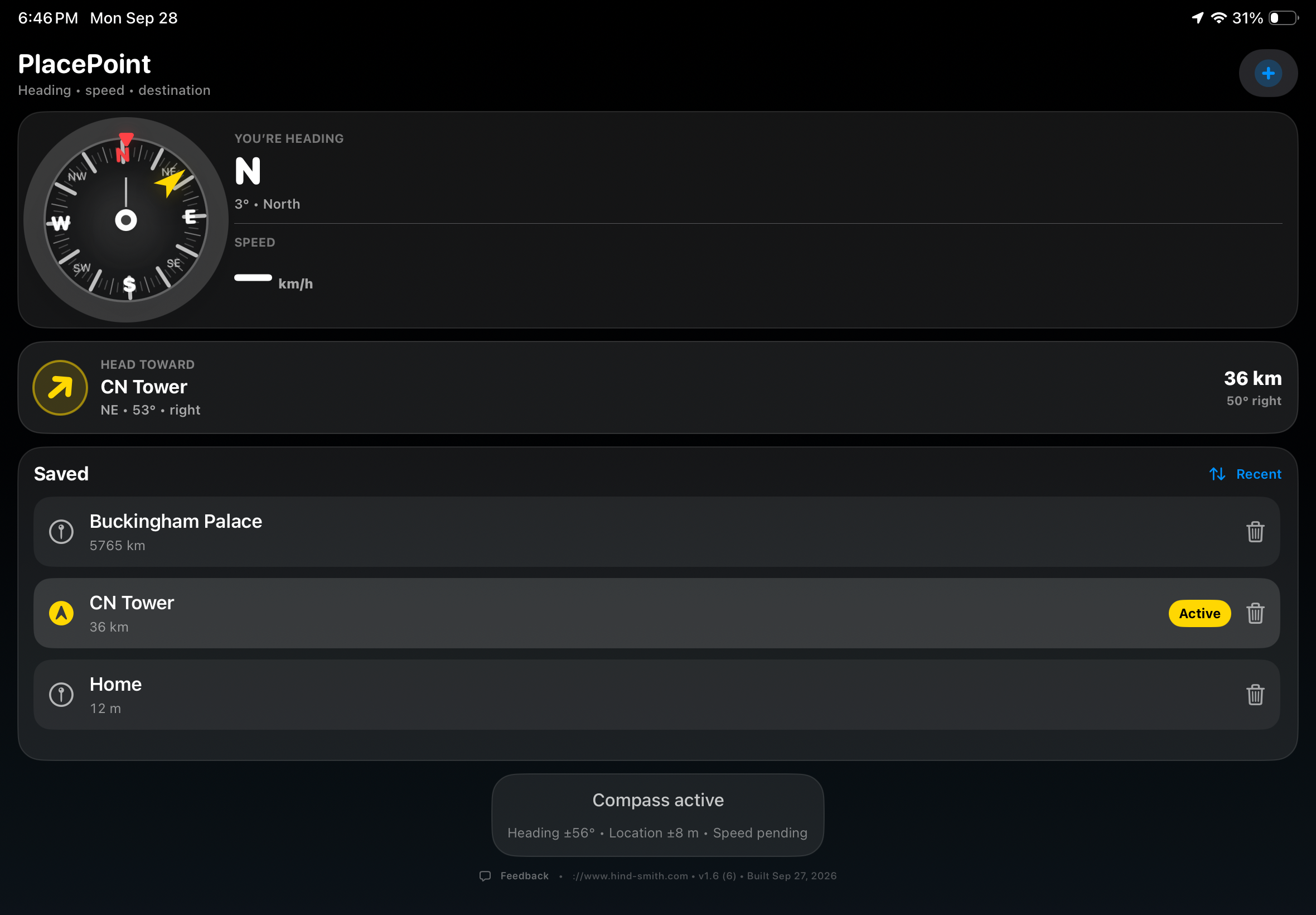
Save it now. Let PlacePoint point you back when you need it.